


TourneyStation features
Tournament ops features built for live event night
Import a roster, build the bracket, assign tables, text players when they are up, and share a live board so directors, venues, and players stay in sync - without whiteboard chaos or group-chat callouts.
Explore the toolkit
Brackets & formats
Generate the draw, protect it, and handle the late changes that happen on a real event night.
Entrants, seeding & import
Bring in the field quickly, then keep the draw under control.
Tables & floor ops
Keep the floor moving with clear station assignment, not a sticky-note pile.
SMS & notifications
Text players when they are called, separately from future-event alerts.
Live public board
Give players and spectators one current place to follow the event.
Race charts & results
Set race charts and keep director-confirmed results as the official record.
Registration & waitlists
Build the list yourself or let public signups help fill the field.
Venue & staff tools
Support operators who run many nights, locations, and staff shifts.
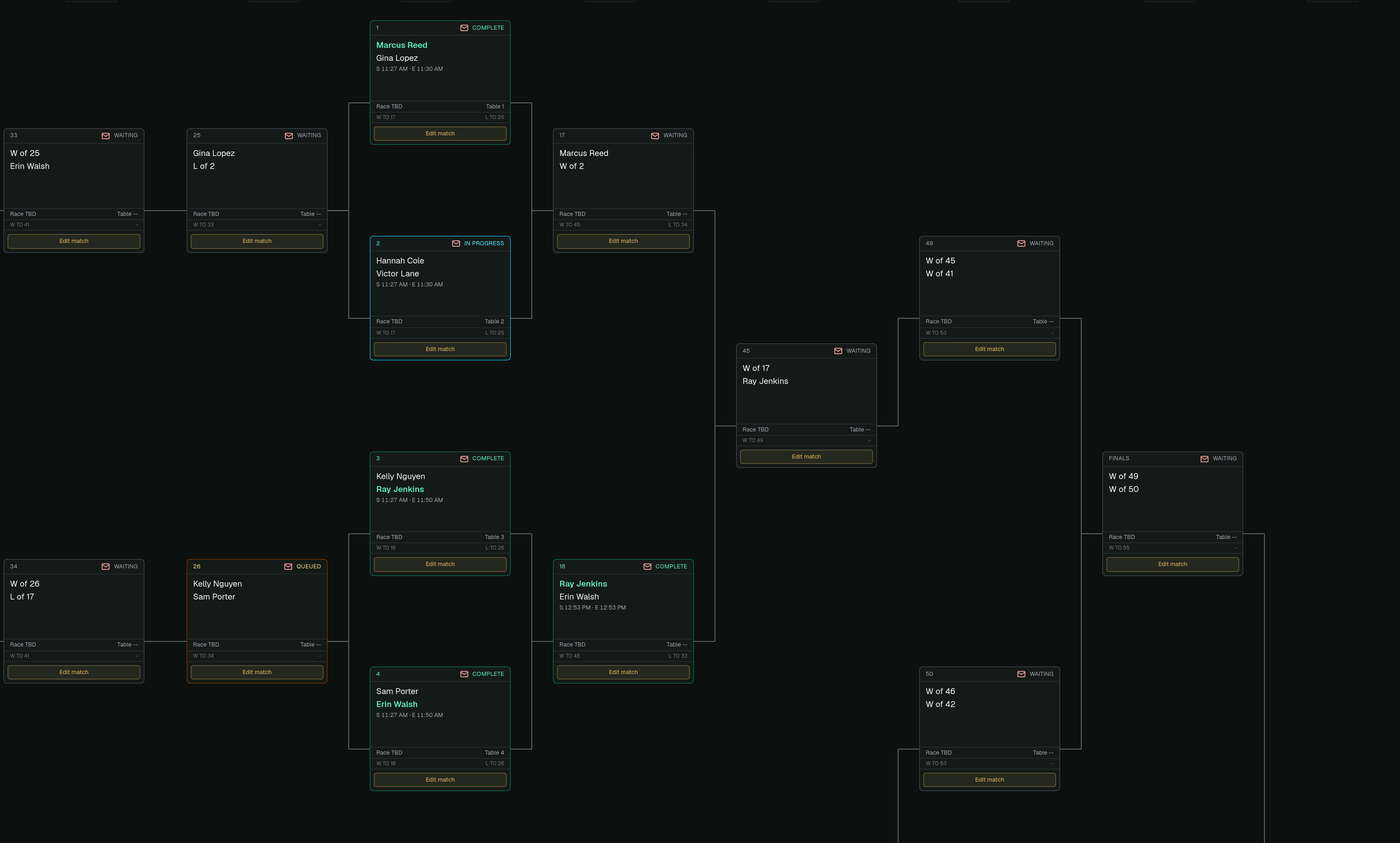
Brackets & formats
Run Single Elimination, Modified Single Elimination / Second Chance, and Double Elimination with paper-aware sheet sizes and draw controls.
- Generate from seed order, randomize names, or group by skill
- Lock the draw so a paper sheet cannot be wiped by accident
- Bench players and seat late adds into open Round 1 or bye-waiter slots
- Preview the public board while still in Draft
Entrants, seeding & import
Build the field fast, then keep control when the door is still moving.
- Paste spreadsheet cells or CSV text, or load a .csv / .txt file
- Rank and seed participants, capture skill levels and start positions, and mark present or bench
- Late adds after generation go to the bench until you seat them
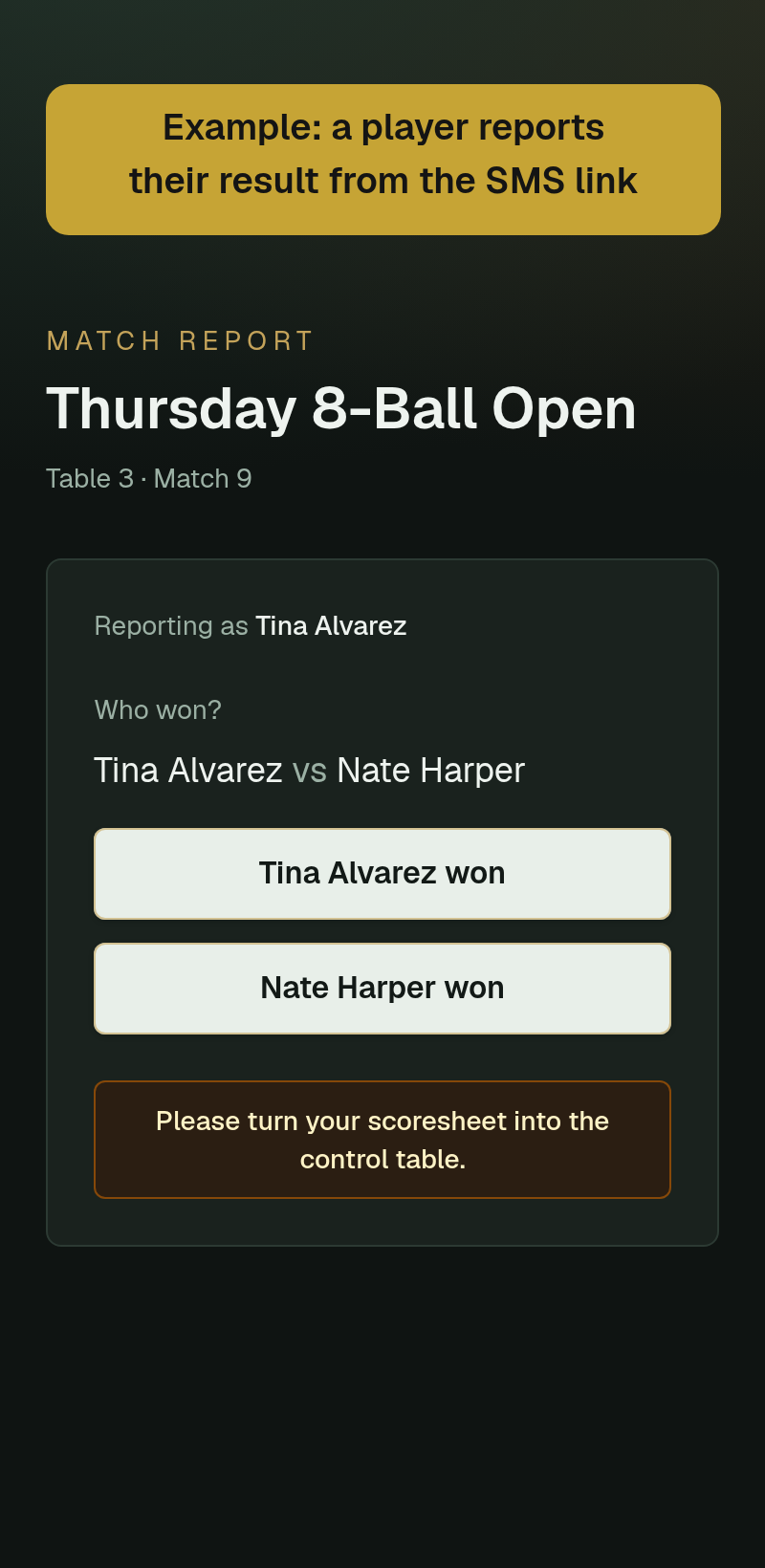
- Temporary player result-submit links with director confirmation for official results
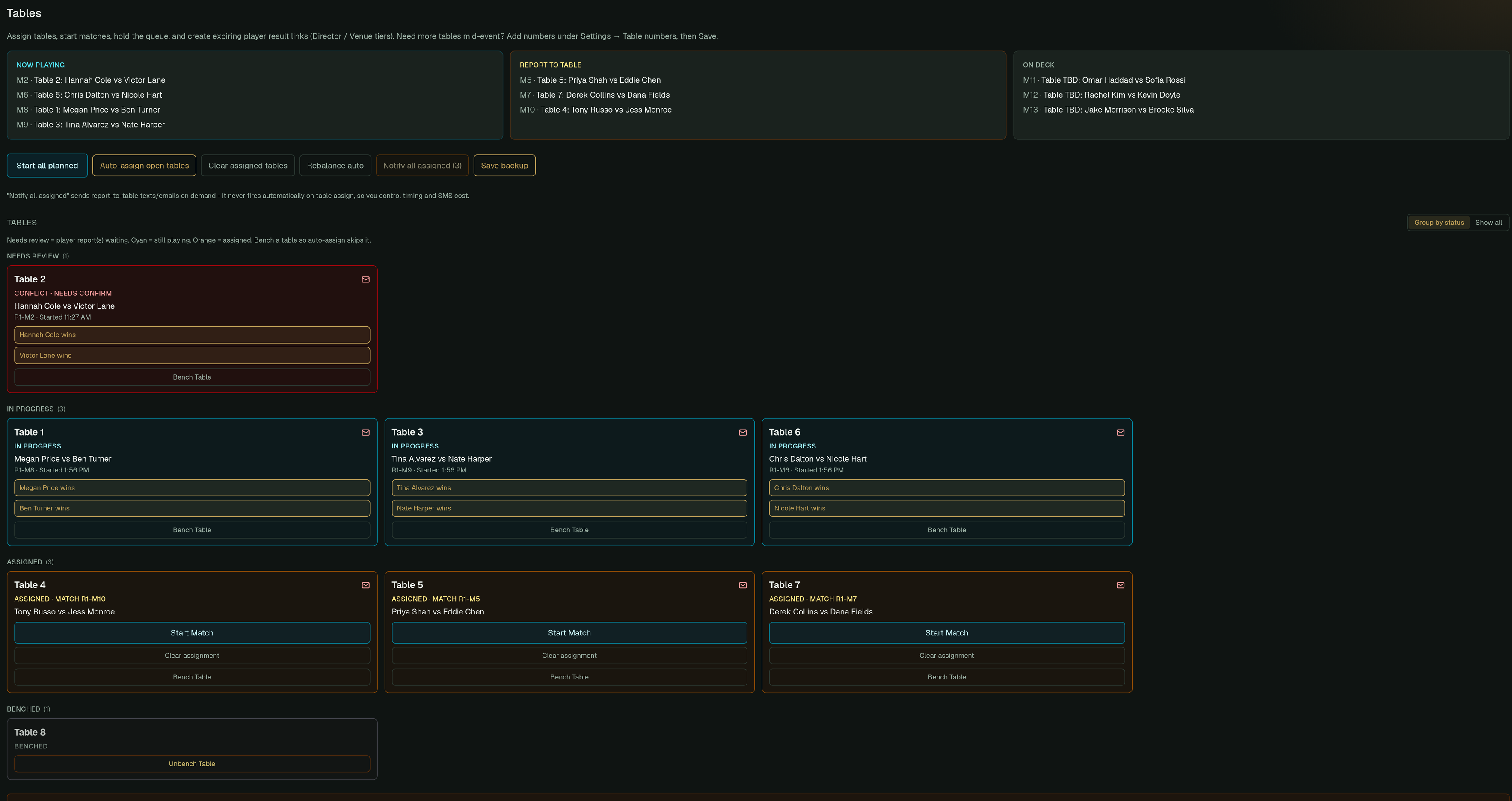
Tables & floor ops
- Table or station lists and parallel station usage
- Auto-assign matches to open tables
- Report-to-table, On Deck, and Now Playing views for directors
SMS match notifications
Text players when they are called, separate from future-event follower alerts.
- Deliberate match-notification sends on supported plans; assigning a table does not send a text
- Optional add-on for Free Director; included on Director and Venue plans
- A tournament-level SMS toggle for test nights and live events
- STOP opt-out support for event alerts
Live public board
One link for players and spectators: bracket, standings, Now Playing, On Deck, and floor context.
- A public URL per tournament for a phone or TV
- Draft keeps the board unavailable; Unlisted (link only) keeps an available event out of listings
- Demo boards that open with no account
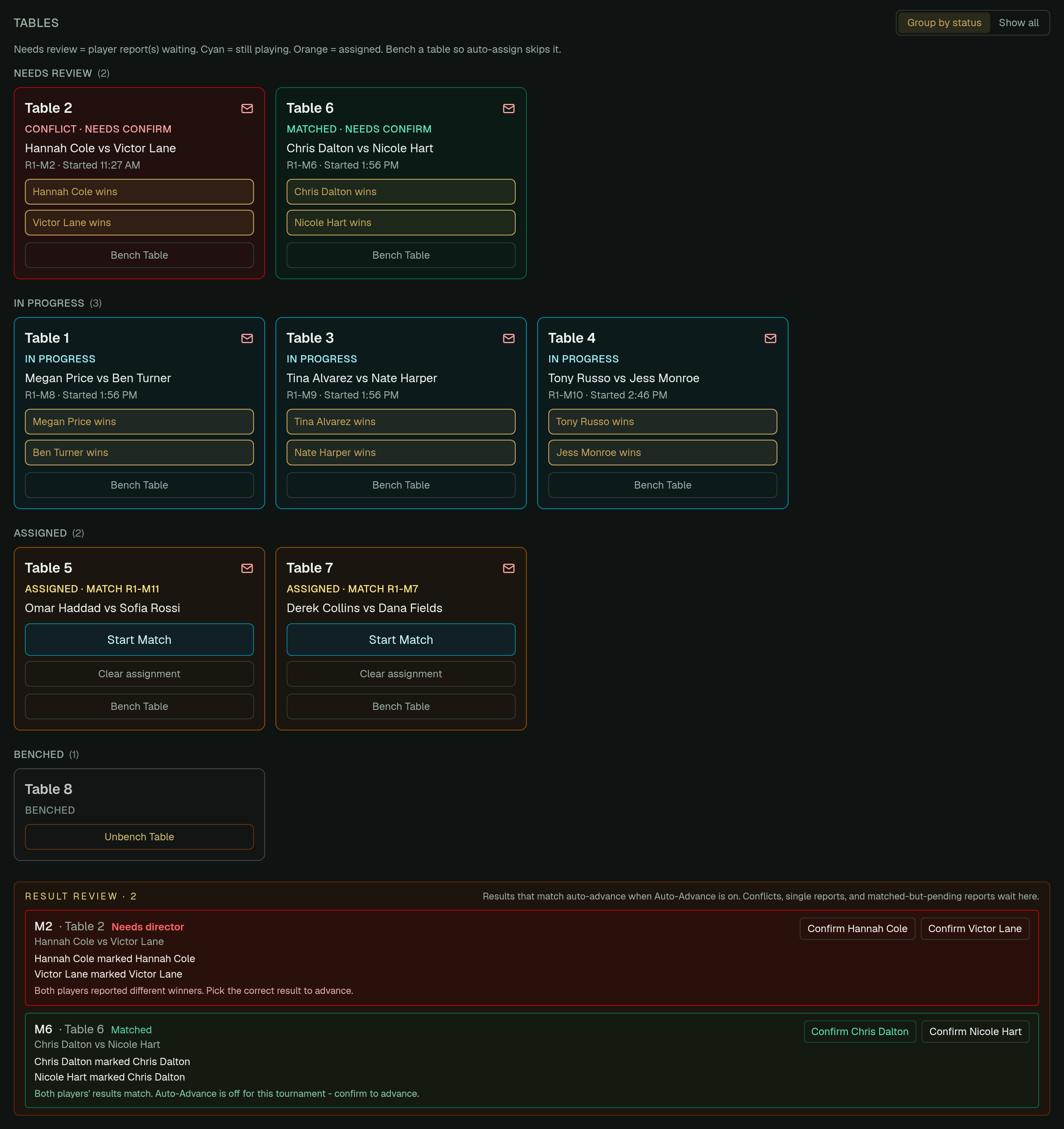
Race charts & official results
League-style race charts for skill matchups, plus director-confirmed outcomes so history stays trustworthy.
- Editable race charts for singles skills and related formats
- Auto-advance options for matching player-reported results
- Completed tournaments stored for look-back
- Reports and package export or import on paid plans
Registration & waitlists
Use a manual build when you are running the list yourself, or open signups when you want the door to help.
- Manual roster build or public registration
- Capacity, deadlines, TD approval, and a waitlist when full
- Optional skill field and custom questions
- Cash-on-day friendly flows for venue nights
Venue & staff tools
For operators running many nights, not just one Friday.
- Recurring series and multi-location analytics on Venue
- Additional staff logins
- Shared locations and table inventory
- A follower audience for future-event alerts, separate from Sales CRM
Compare Director vs Venue · Built for pool halls and directors
How a typical night runs
- 1
Setup
Import roster, set format and sheet, then generate the bracket.
- 2
Floor
Assign tables, notify players, and watch Now Playing and On Deck.
- 3
Close
Confirm results, keep history, and share the final board.
FAQ
Before your first event
Does TourneyStation replace a whiteboard?
Yes for brackets, table callouts, and the public board. Directors still run the room - the software removes spreadsheet recalcs and group-chat chaos.
Can I try before I pay?
Your first tournament includes the complete toolkit and SMS. After that, Free Director supports smaller ongoing events, or you can upgrade per event or monthly.
What formats are supported?
Single elimination, Modified SE / Second Chance, Double Elimination, and Splashboard (16-5). Formats are the same across plans; plans differ by size, concurrency, and operations tools.
Is there a public demo?
Yes. Open a live board with no account required from the demo page.
Ready for Friday?
Create an account, import a roster, and run a full first tournament free.